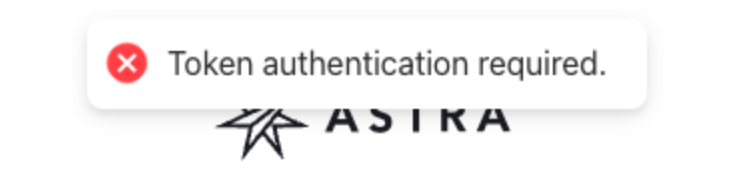
Guide | Error "Token Authentication Required"
Last updated: March 31, 2026
This error can occasionally appear while testing the Web SDK in the Astra sandbox (and while rare, can also occur in production).
If you encounter this error please review the following recommendations which should resolve the issue:
Verify phone number association – Confirm that the
phonenumber value specified in the Web SDK URL is also associated with theuser_intent_id,business_profile_idoruser_id.user_intent_id.phone(User Intent object) =phonevalue specified in the SDK query parametersbusiness_profile_id.phone(Business Profile object) =phonevalue specified in the SDK query parametersuser_id.phone(User object) =phonevalue specified in the SDK query parameters
Use a fresh browser session – Once you've generated the Web SDK URL, open a new browser tab and clear your cache before pasting it in.
For sequential testing with different phone numbers, its best to always open the Web SDK URL in a new browser window/tab.
Format the phone number to specifications – The phone number in the Web SDK URL needs to be in the 10 digit format. Remove the plus sign and country code.
Example:
+12035528474❌2035528474✅