March 2026 | Astra Dashboard | New Features & Enhancements
Last updated: March 30, 2026
Hi Team,
Astra is excited to launch a new version of the Astra Dashboard, featuring a range of enhancements designed to improve ease of use and operational efficiency.
Sandbox Release: 03/26/2026
Production Release: 03/31/2026 (tentative)
General
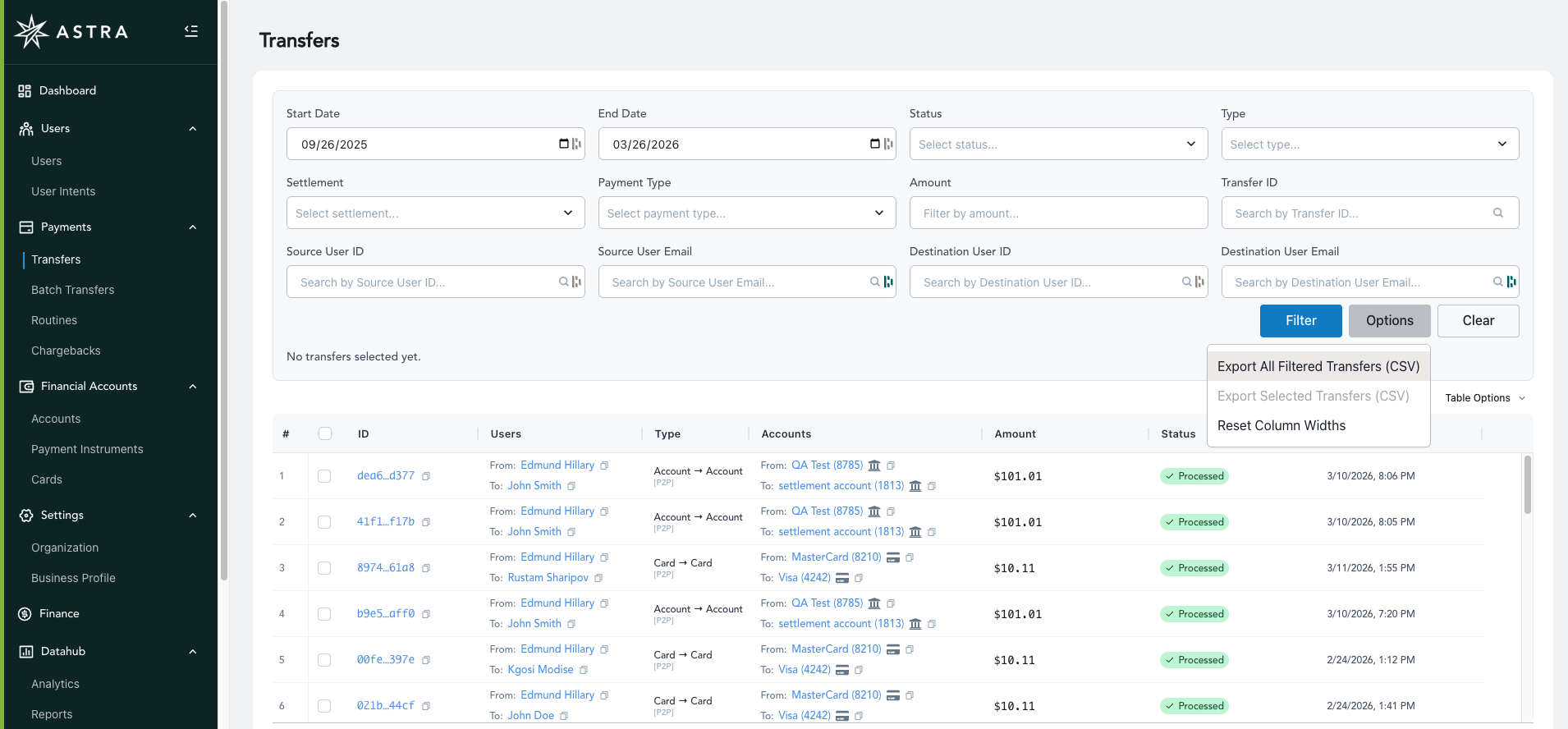
All tables now support adjustable column widths, which can be reset via the "Table Options" dropdown menu.
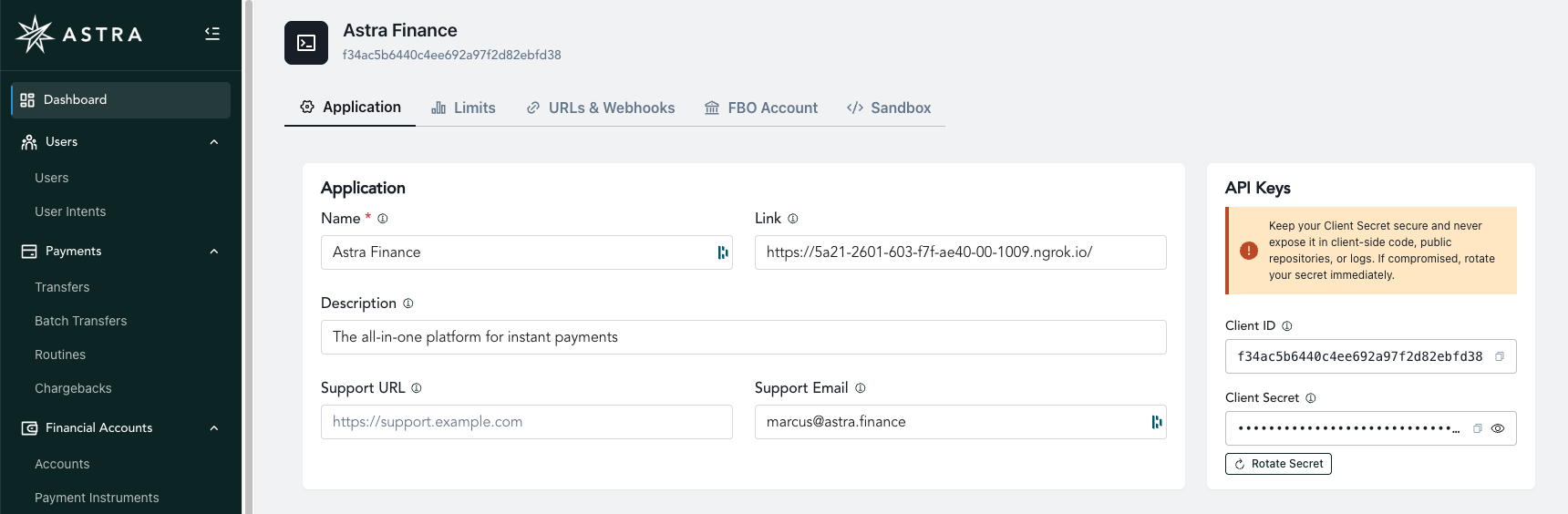
The Dashboard Tab now features key sections organized into sub-tabs displayed in a horizontal layout.
The Account Settings, General, and Team Members tabs have been consolidated into a single page called "Organization."
User Table
Added Personal and Business User type tags for clearer categorization.
Business Users now display the associated Business name.
The User detail view now surfaces each User's capabilities, including velocity limits and eligible payment solutions.


Transfer Table
Export Filtered Transfers to CSV.
Export Selected Transfers to CSV.
Enhanced Filters — In addition to the original filters, you can now filter by settlement speed, payment type (ACH vs. Debit), amount, Transfer ID, transfer type (e.g., Account-to-Account vs. Account-to-Card), Source User email, and Destination User email.
Enhanced Information Display — Each Transfer now shows the source and destination User and Account/Card with hyperlinks to each object, along with a clear indicator of Payment Type (e.g., Account-to-Card).
Batch Transfer Table (for clients using Astra's Account-to-Card Net Debit Solution)
Select a Batch Transfer to open its detail view and see all individual Astra Transfers that comprise the parent Batch Transfer.
Accounts Table
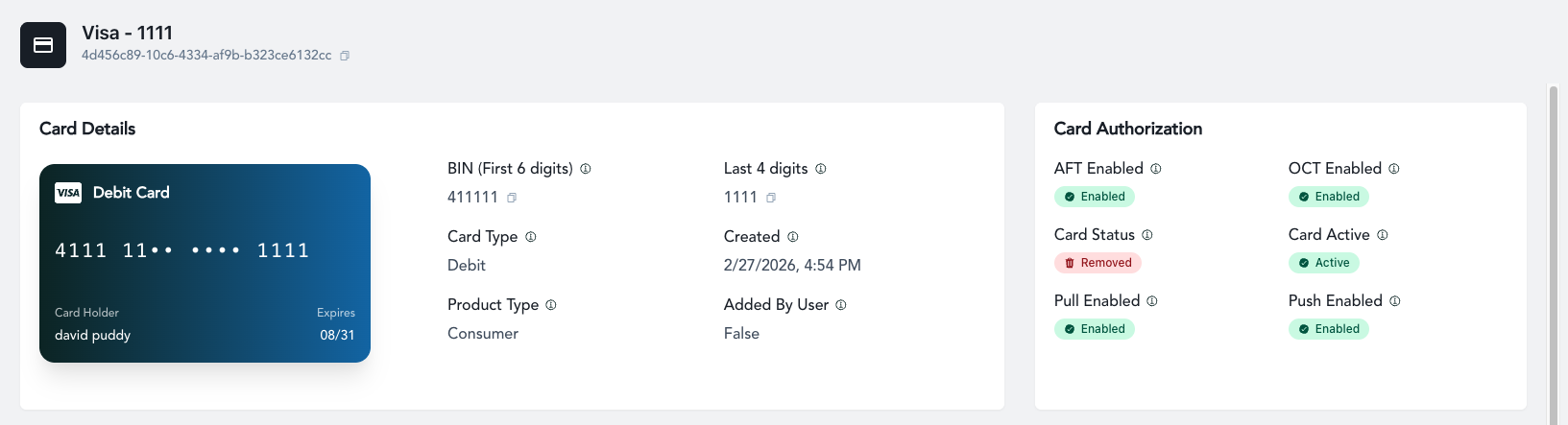
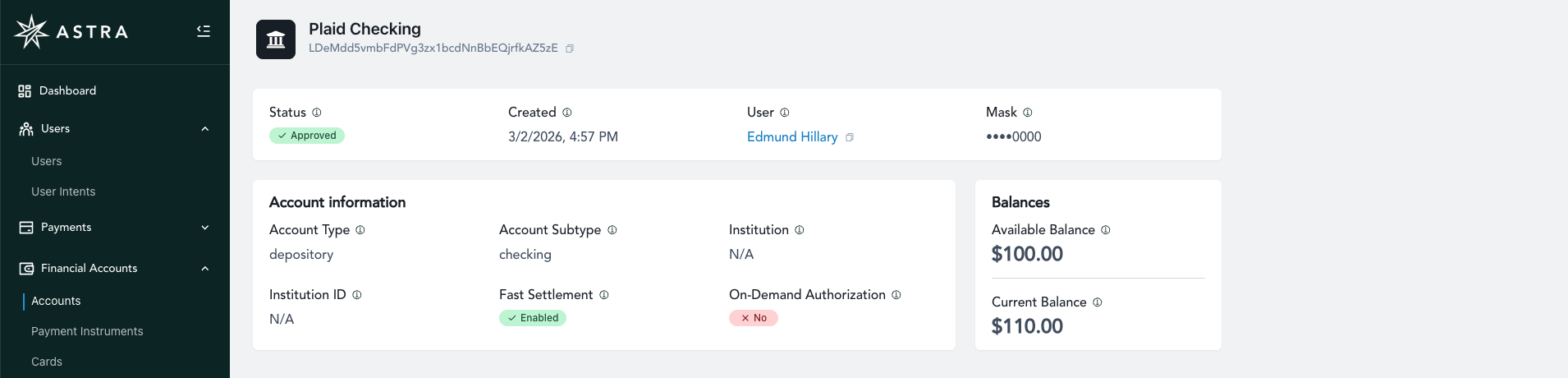
Similar to the Cards table, but for Bank Accounts.
Select a Bank Account to open its detail view, where you can see relevant information such as account status, available balance, current balance, and more.
Payment Instrument Statements
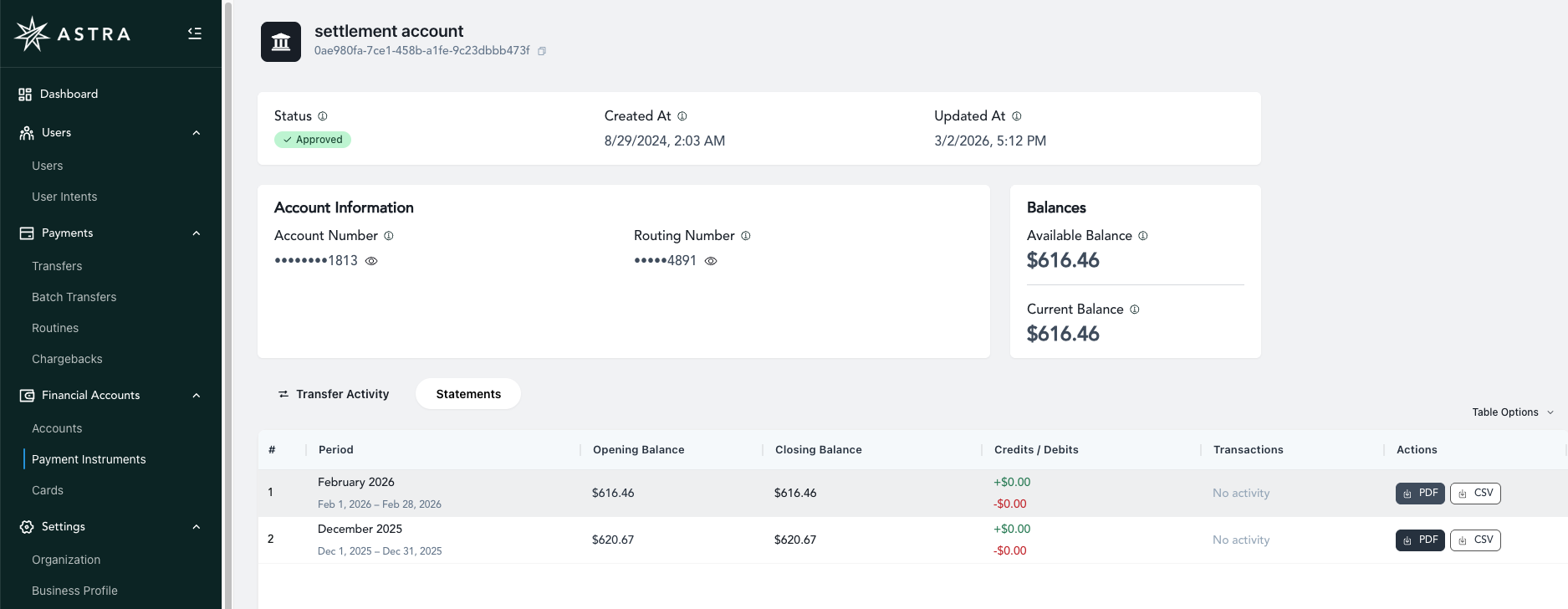
Monthly statements are now available for download for each of your program's FBO Accounts.
A corresponding CSV containing a full list of all transactions in and out of the selected FBO Account can also be downloaded.
Finance Tab
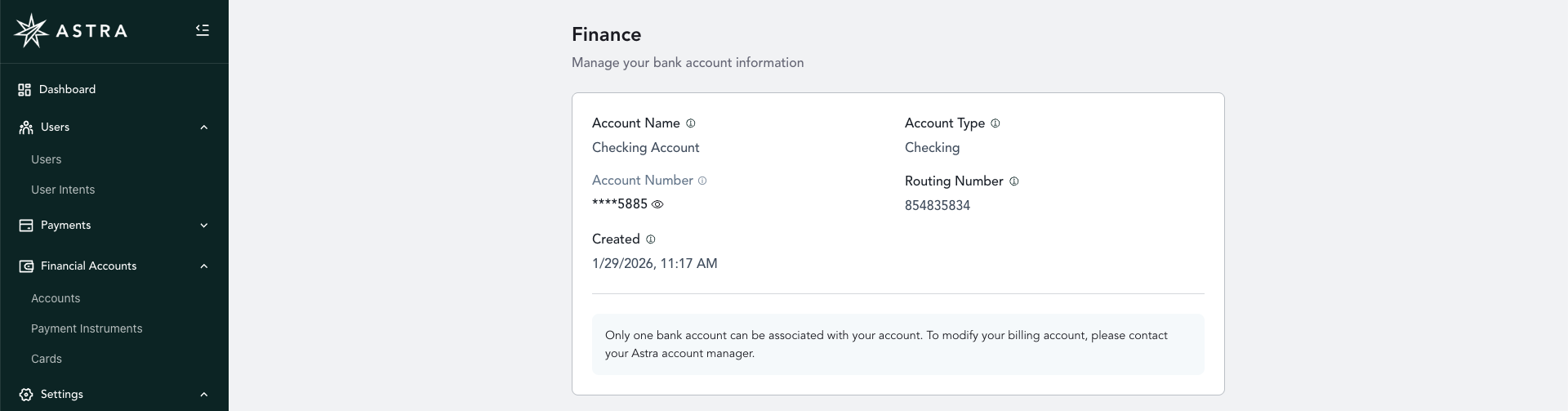
A new page for securely connecting an account to enable Astra's auto-reconciliation and auto-debiting features.
This feature is only accessible to those with an "Owner" dashboard role.
DataHub
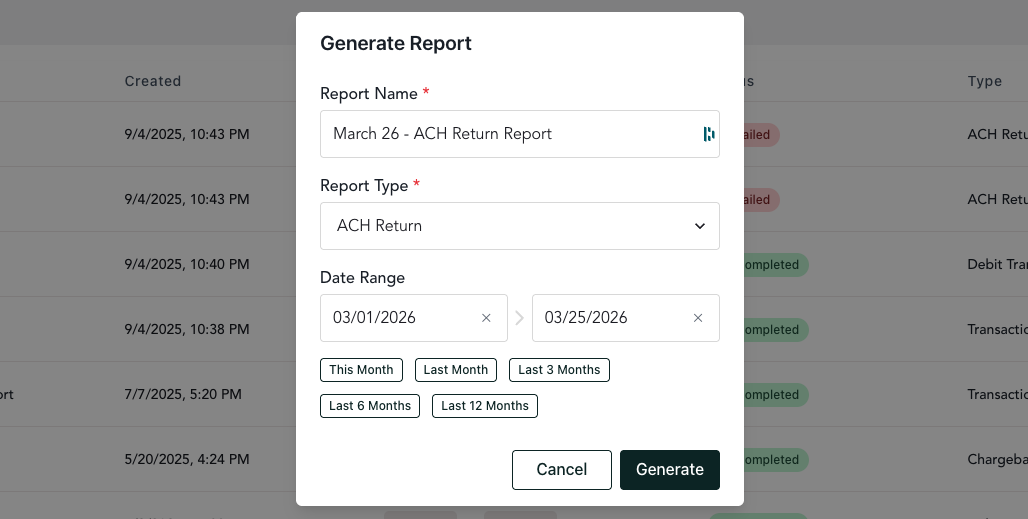
As a reminder, DataHub offers downloadable, custom date-range reports in CSV format.
Available reports include: ACH Returns, Chargebacks, Debit Transfer Activity, and Transactions.
This feature is only accessible to those with an "Owner" dashboard role.