User Statuses
Last updated: August 20, 2026
How to Find a User in the Astra Dashboard
To find a user in the Astra dashboard, follow this guide: How to search for a User in the Astra Dashboard.
User Status Breakdown
pending: The User has been provisioned in Astra's system and we're running various high-resolution checks against their information. This typically resolves within a few seconds, moving on toapprovedorrejected.Your system will receive a
user_updatedwebhook once the User status changes frompending.
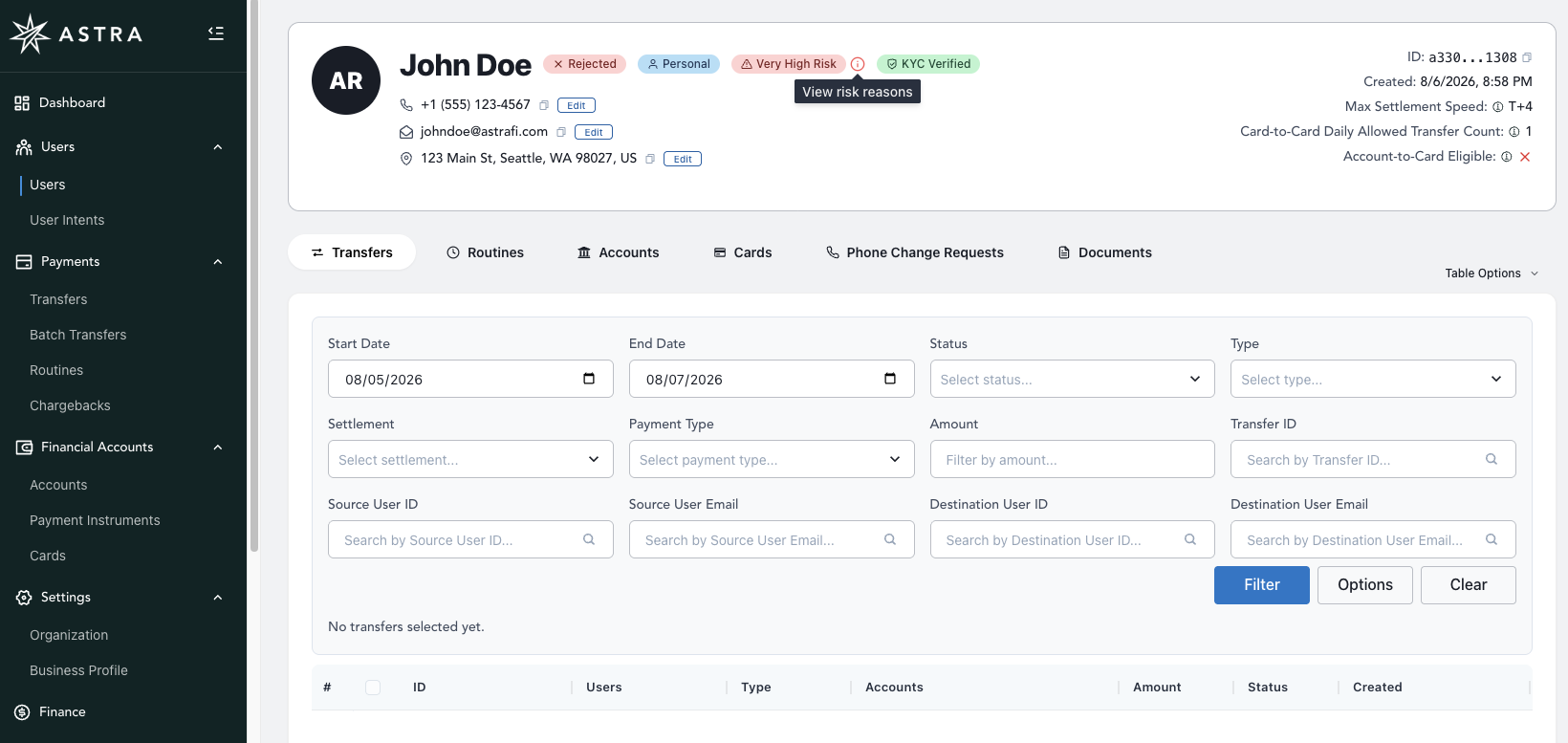
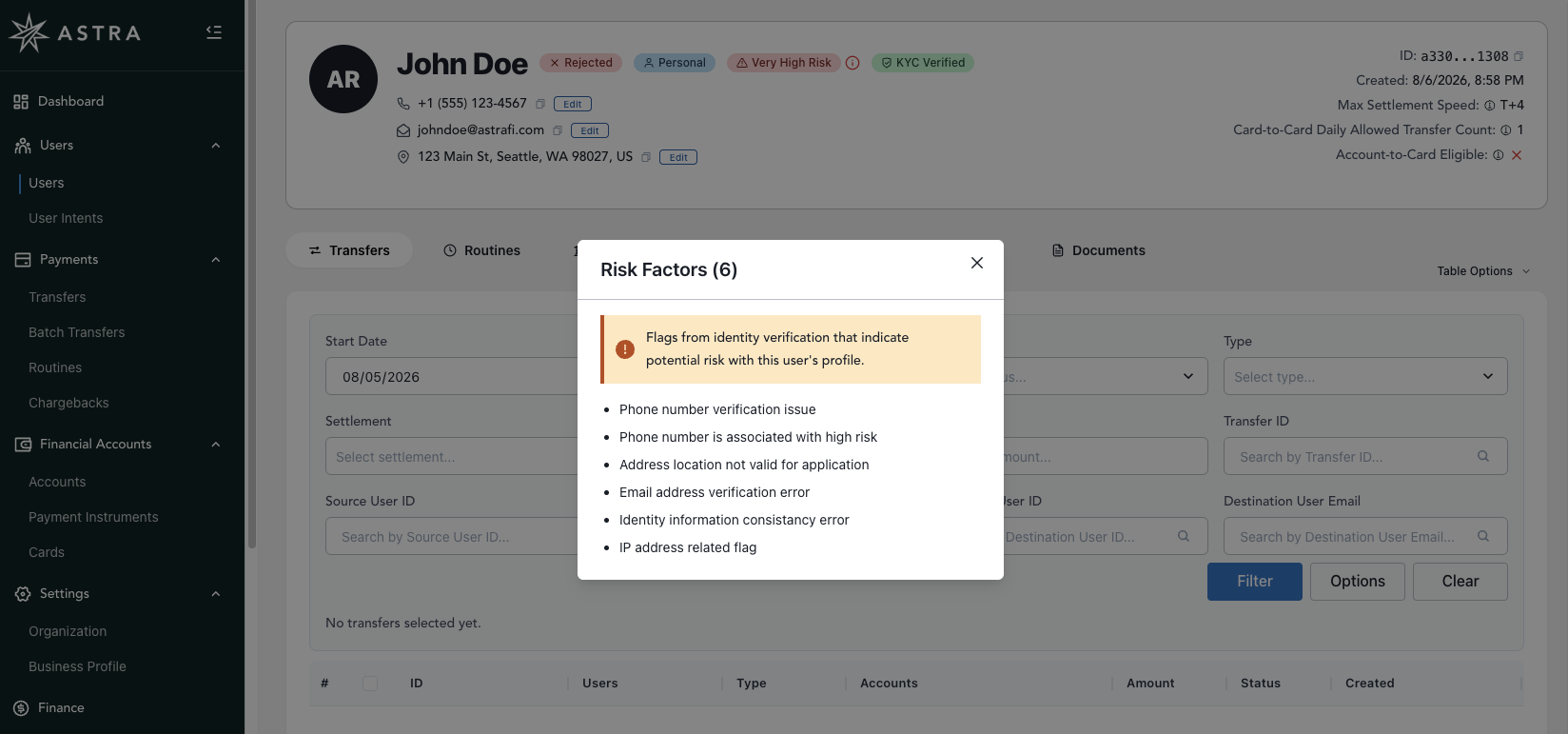
approved: The User is in good standing. Only an approved user can create routines and move money.suspended: Users are typically suspended due to anomalous or egregious transfer activity, chargebacks, unauthorized transaction disputes (R10, for example), and other actions associated with fraudulent or suspicious activity.rejected: The User did not receive a passing grade on one or more of Astra's high-resolution checks. A rejected is not allowed to create Routines and move money.
A couple of important notes:
Status progression only moves forward: an
approveduser won't revert topending. However, anapproveduser can later becomesuspendedorrejected. Likewise, asuspendedorrejecteduser can move back toapprovedafter a request and review.For more information, see:
For
rejectedusers, you can see the specific rejection reasons in the Developer Dashboard by locating the user and clicking their "rejected" status link.