How to Submit a Support Ticket
Last updated: June 23, 2026
To Submit a Support Ticket from the Dashboard:
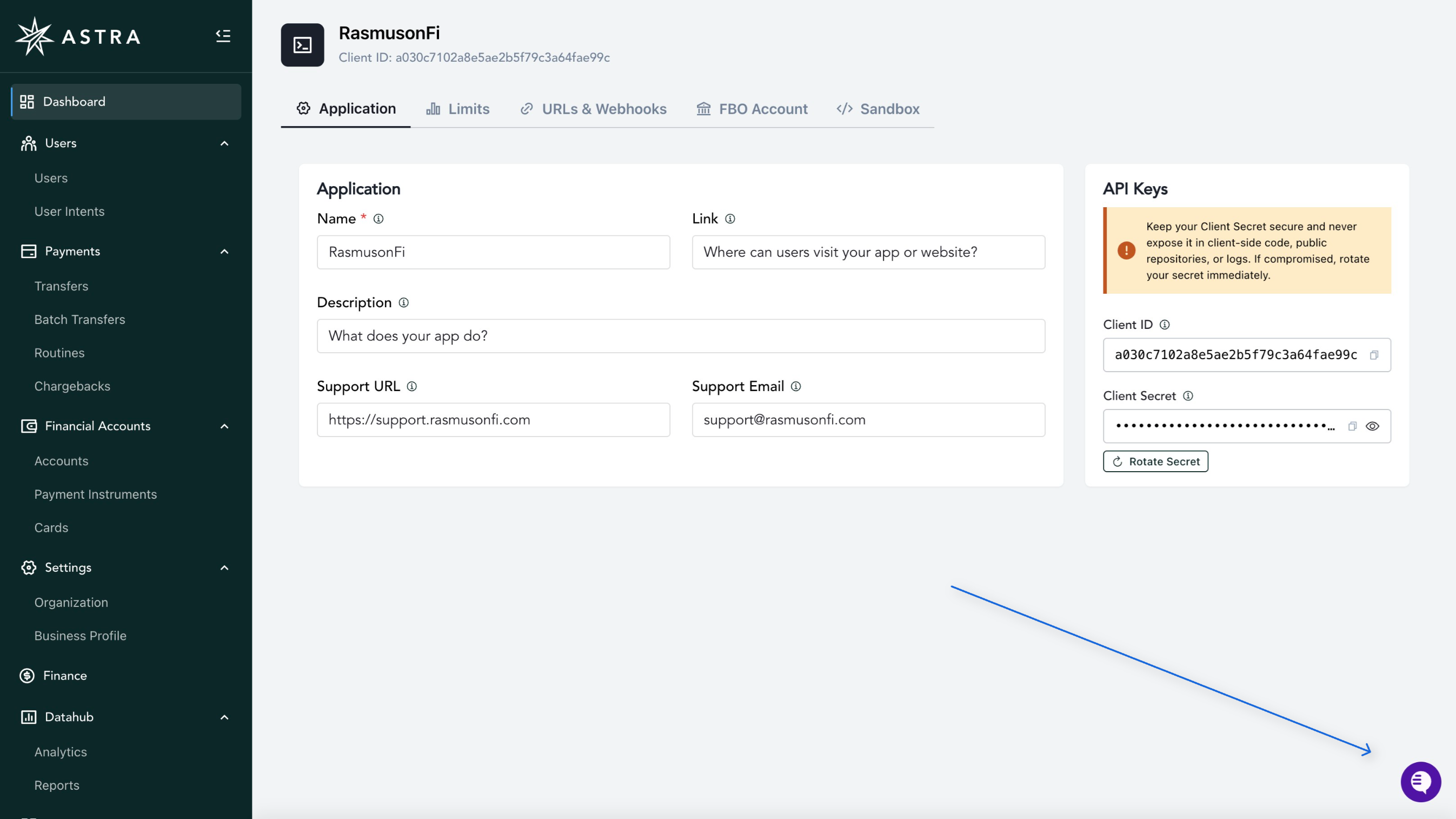
Select the support widget on the bottom right of your Dashboard
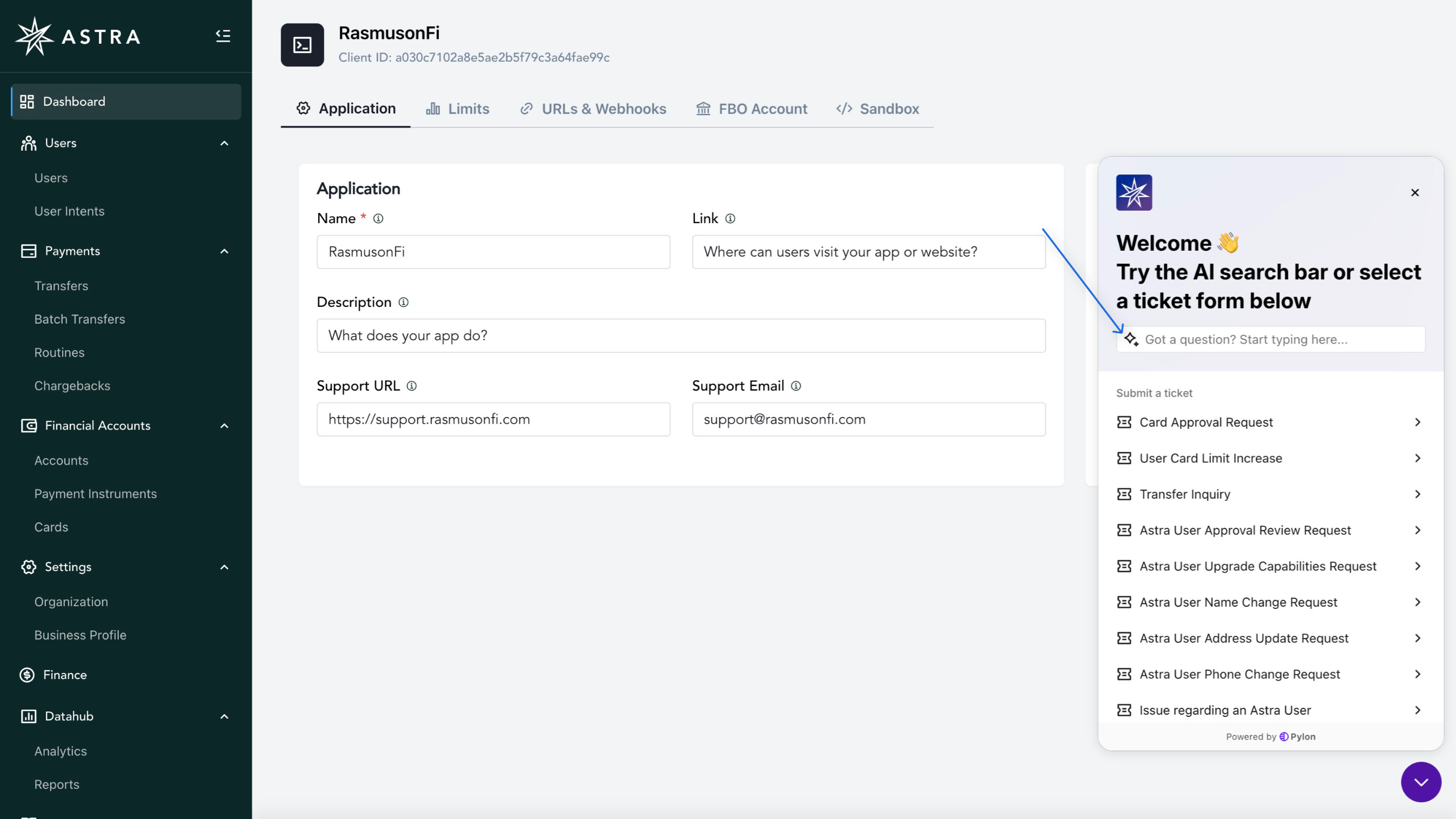
Before submitting a ticket, we recommend you use the AI search bar to find relevant knowledge base articles. If you are unable to find what you need, proceed with step 2 below
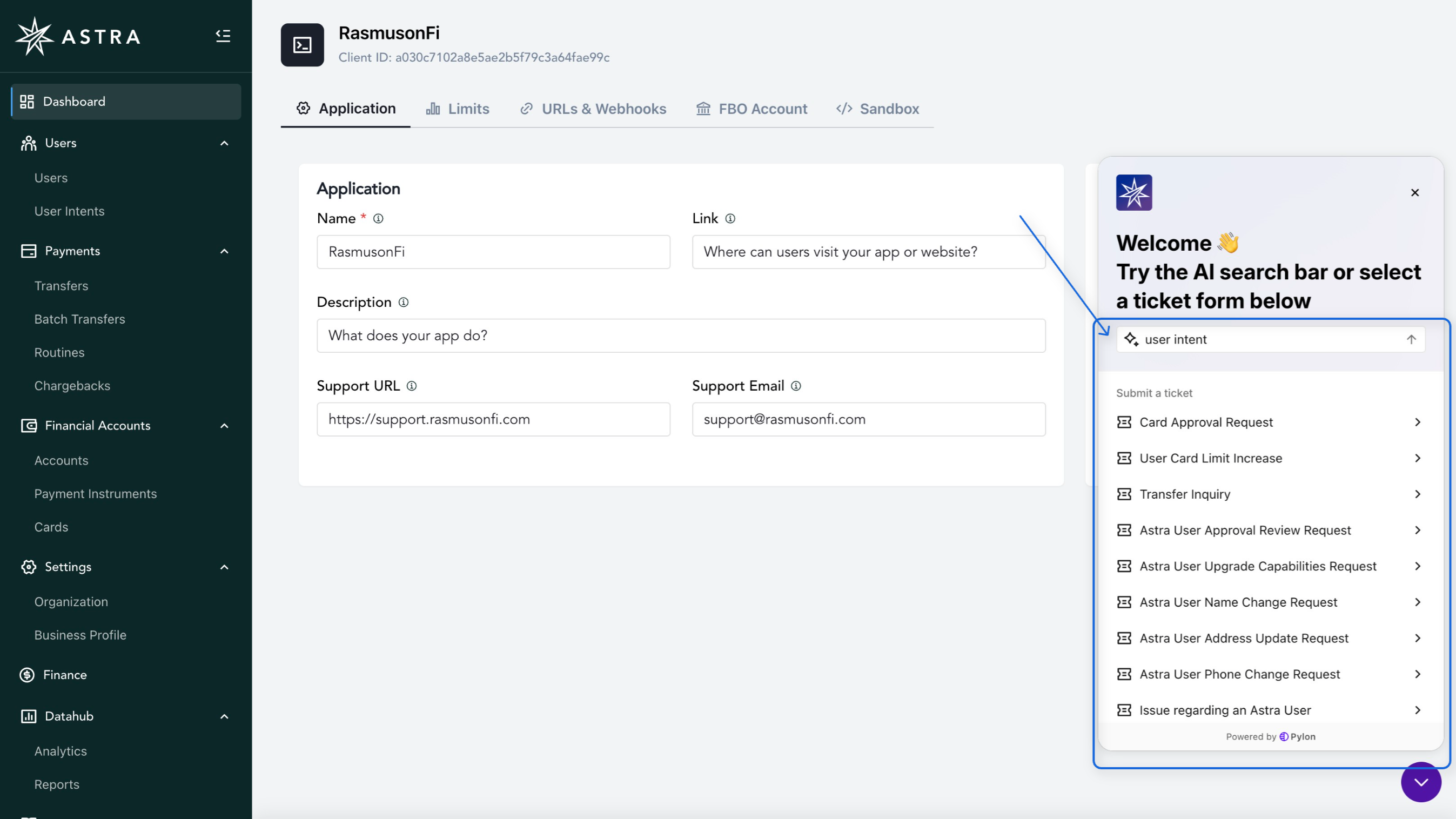
Below is an example search
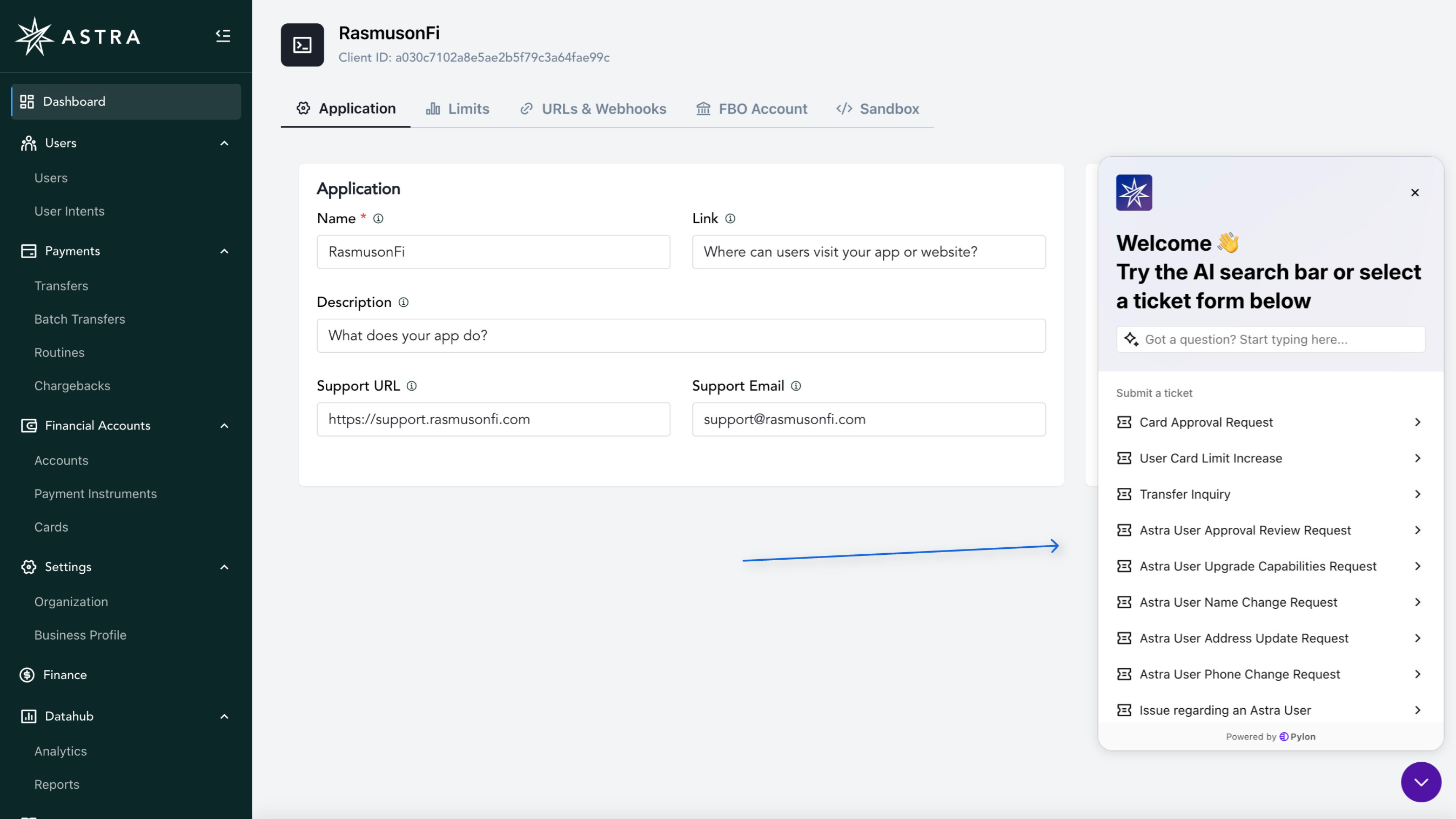
Select the form that matches your request
Add in the information needed
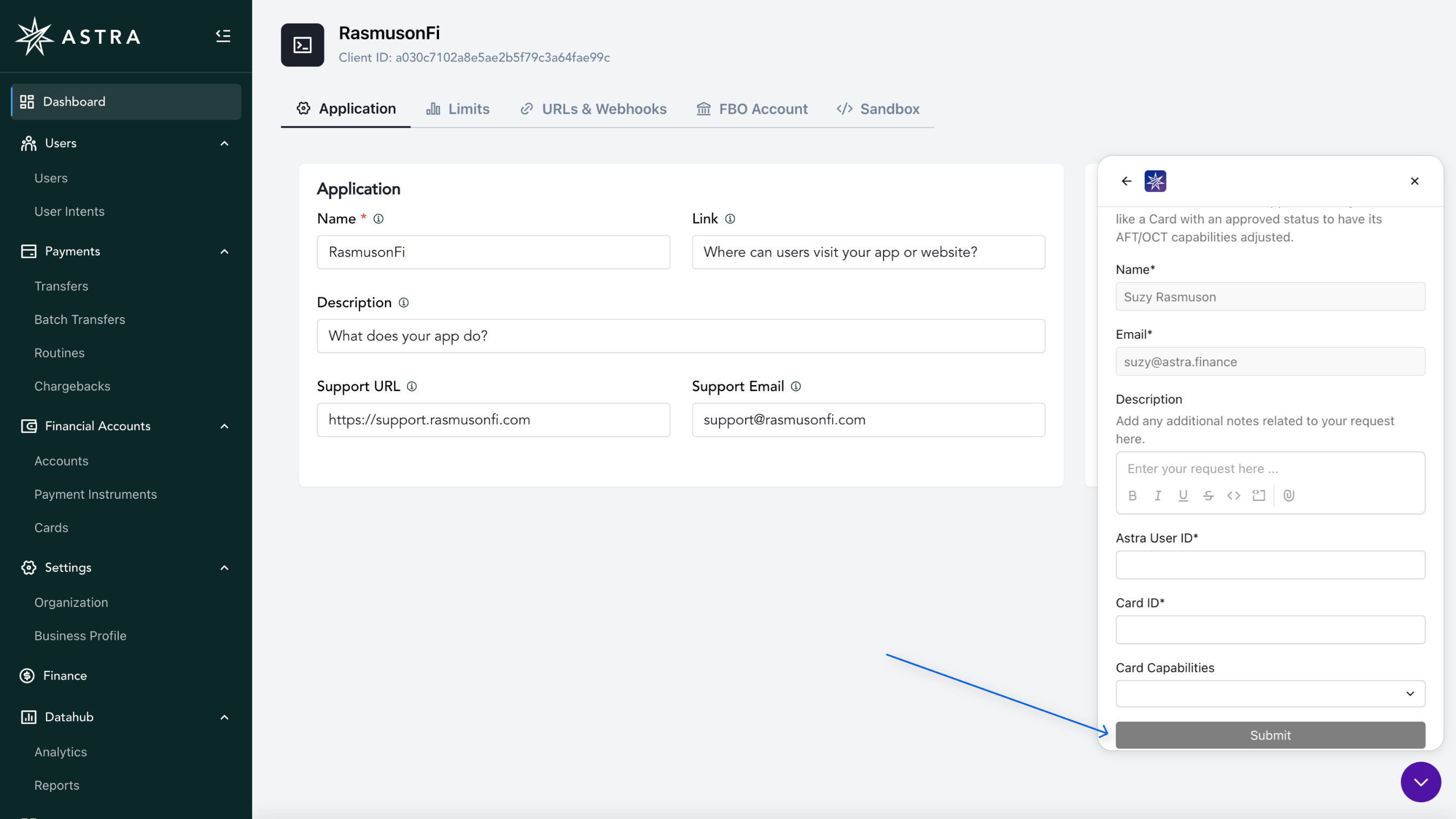
Submit request
To Submit a Support Ticket from the Support Portal:
Navigate to Support
In the Support Portal, Select Create Ticket
Select the form that matches your request
Add in the information needed
Submit request
Return to the Support Portal