How to Create a Sandbox Client
Last updated: June 30, 2026
To create a Sandbox client:
Enter your email address.
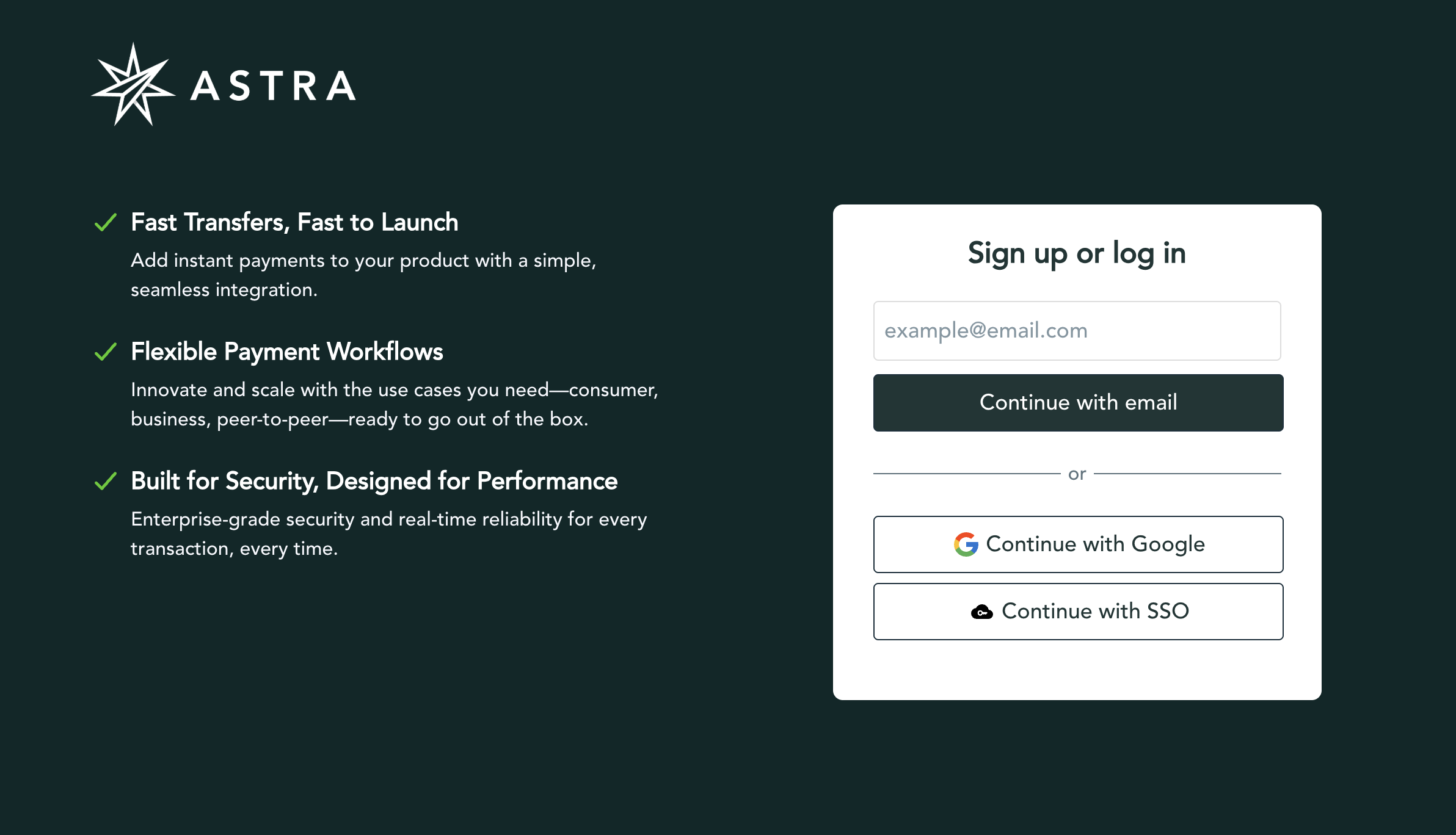
Select Continue with email.
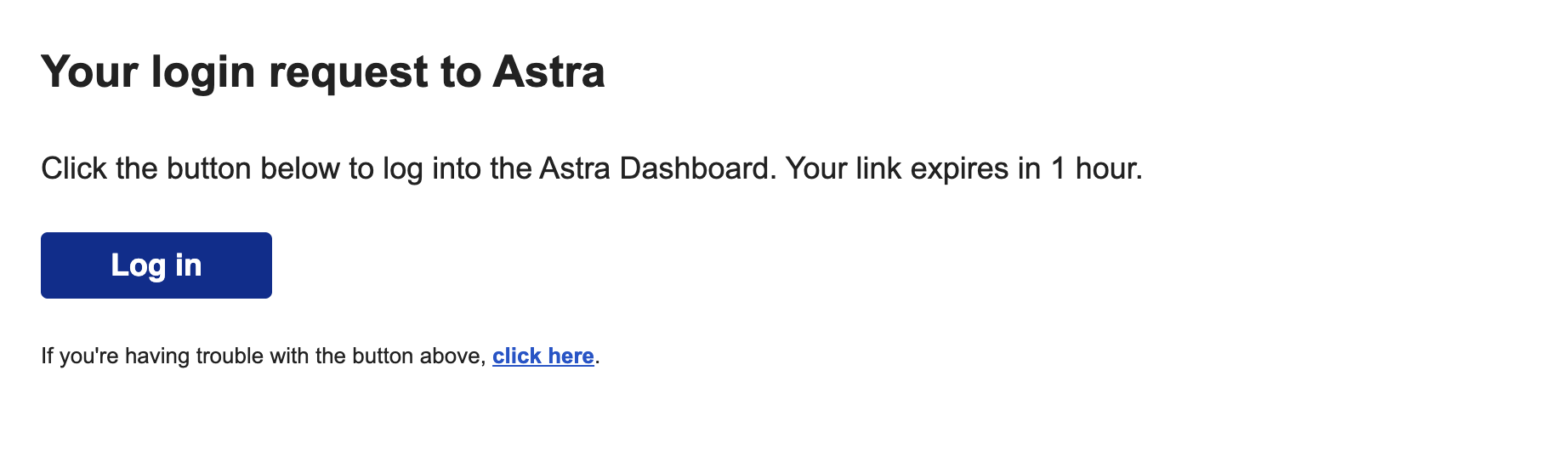
Check your email inbox for a message from Astra.
In the email, select Log In. You're redirected to Astra.
Select Create an organization.
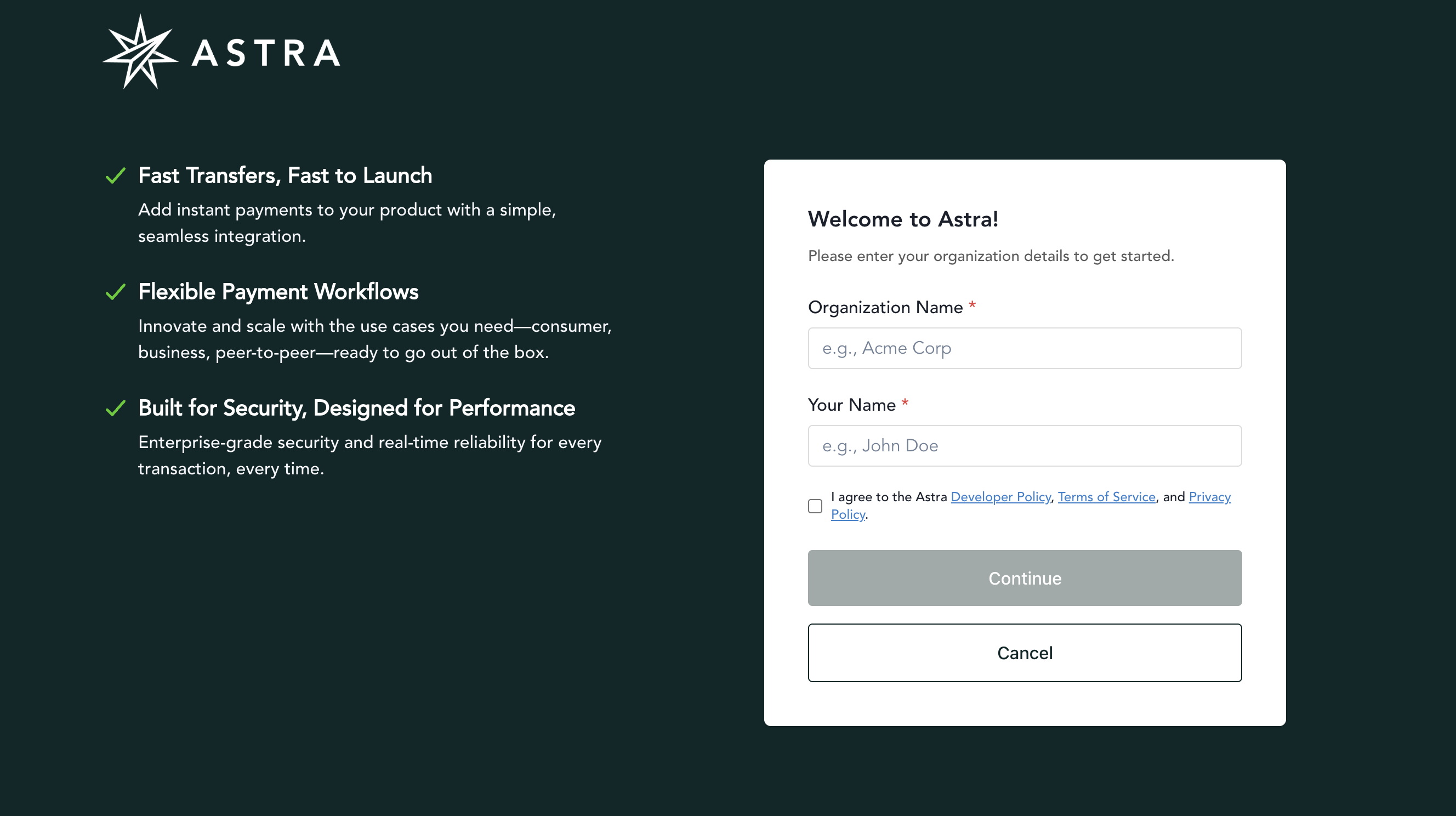
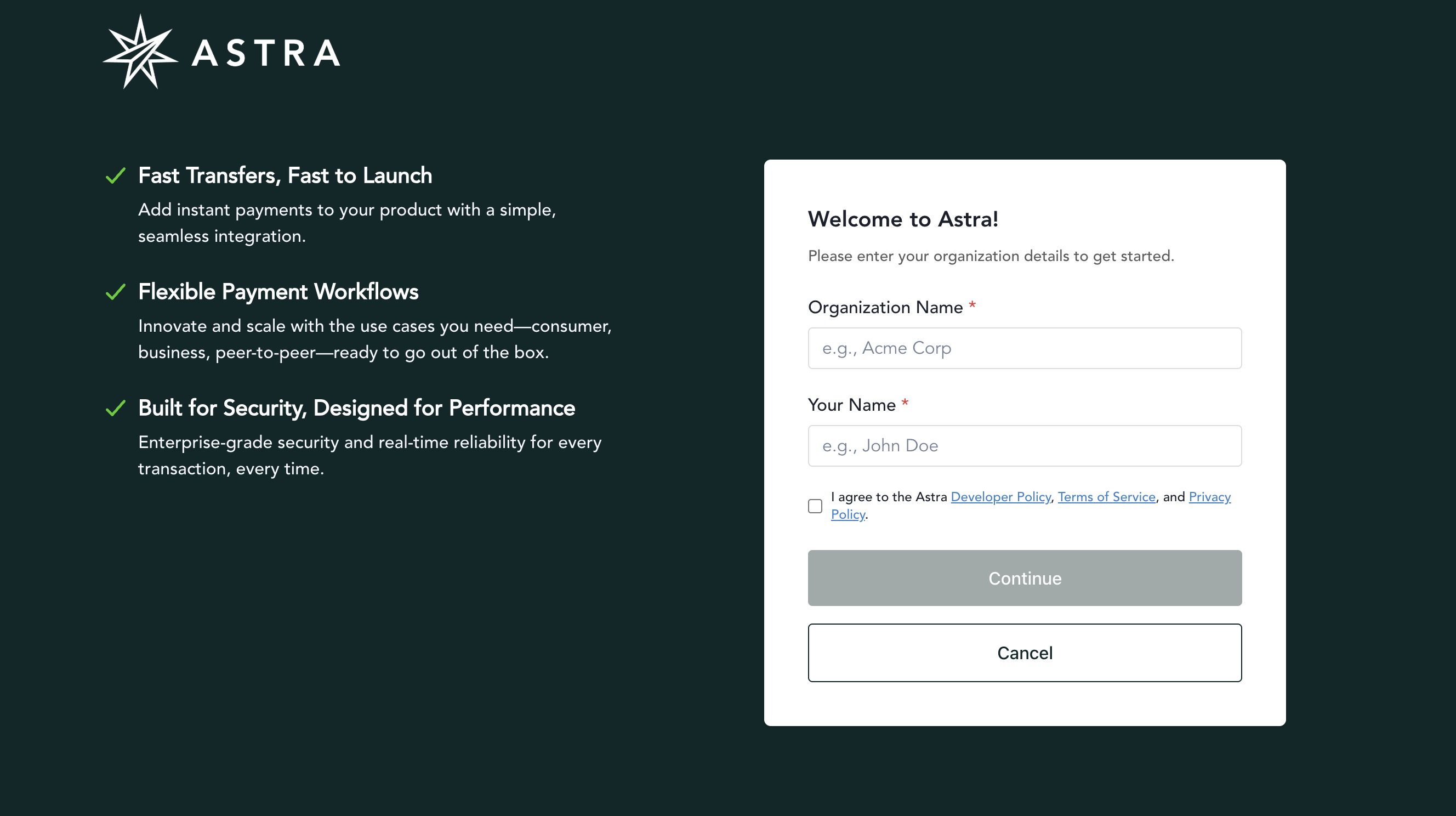
Enter your organization name and your name, then select the checkbox to agree to Astra's Developer Policy, Terms of Service, and Privacy Policy.
Select Continue.
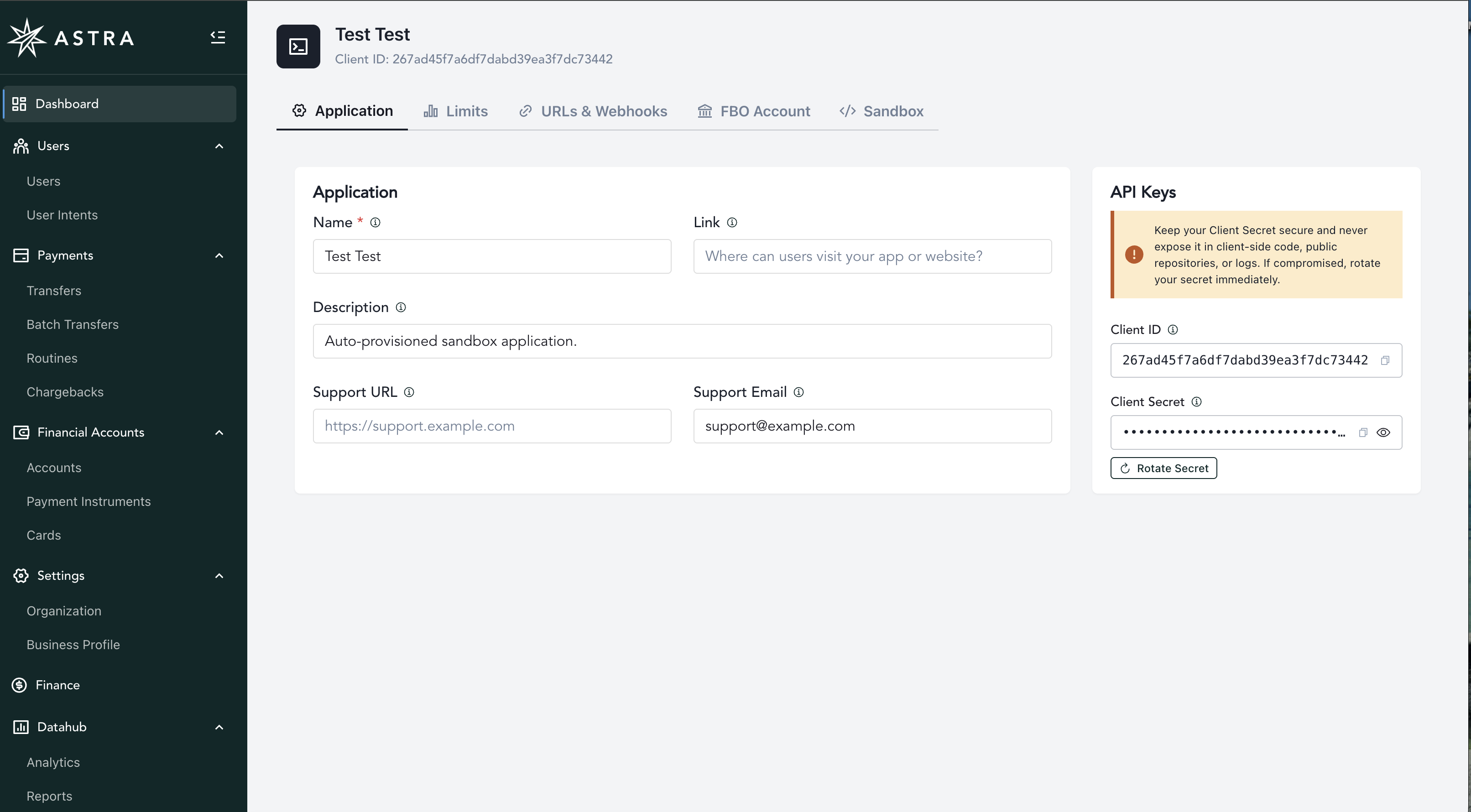
Your auto-provisioned Sandbox client appears, ready for testing.