How to Get Your API Keys
Last updated: September 25, 2026
In Sandbox
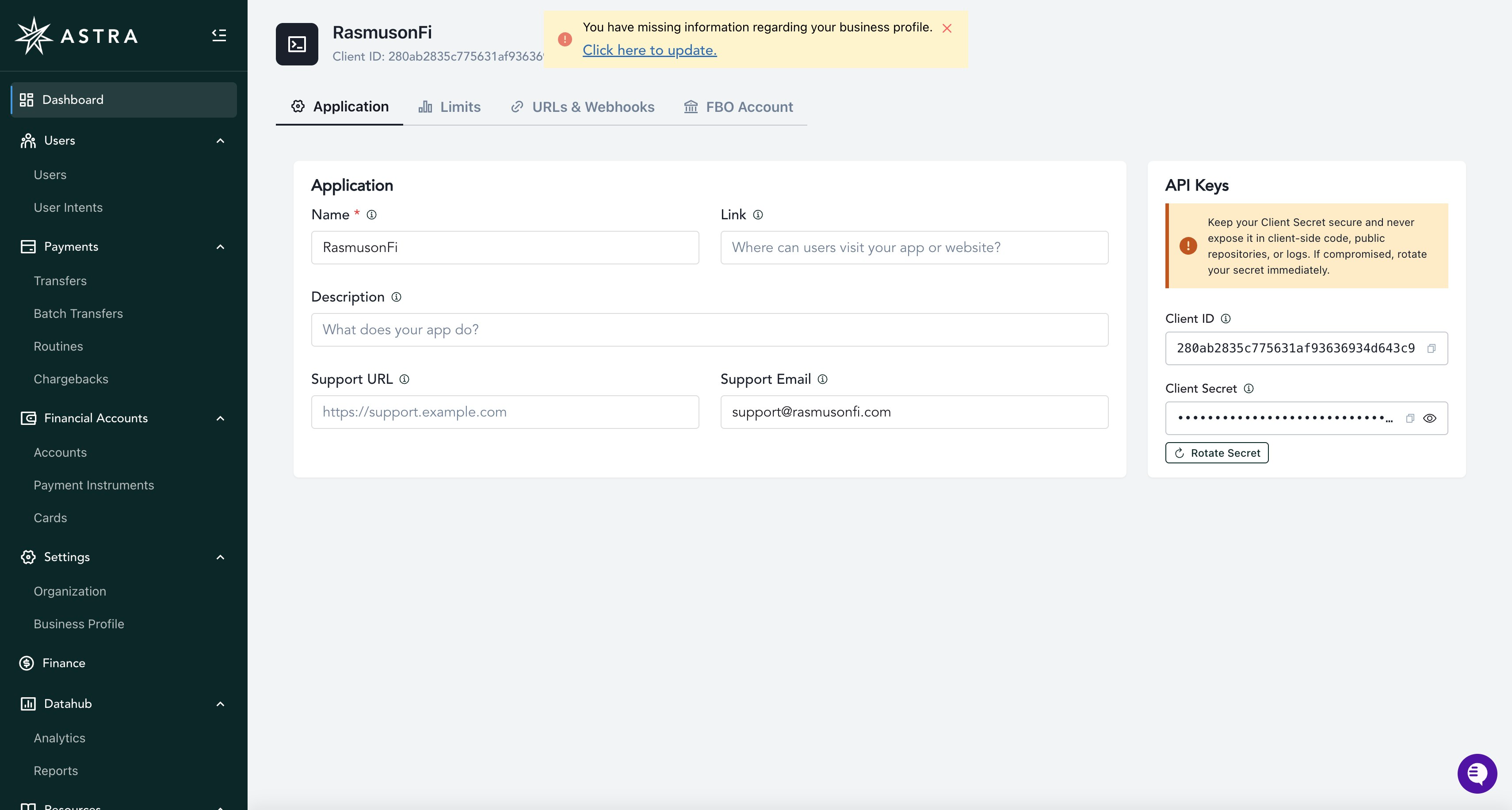
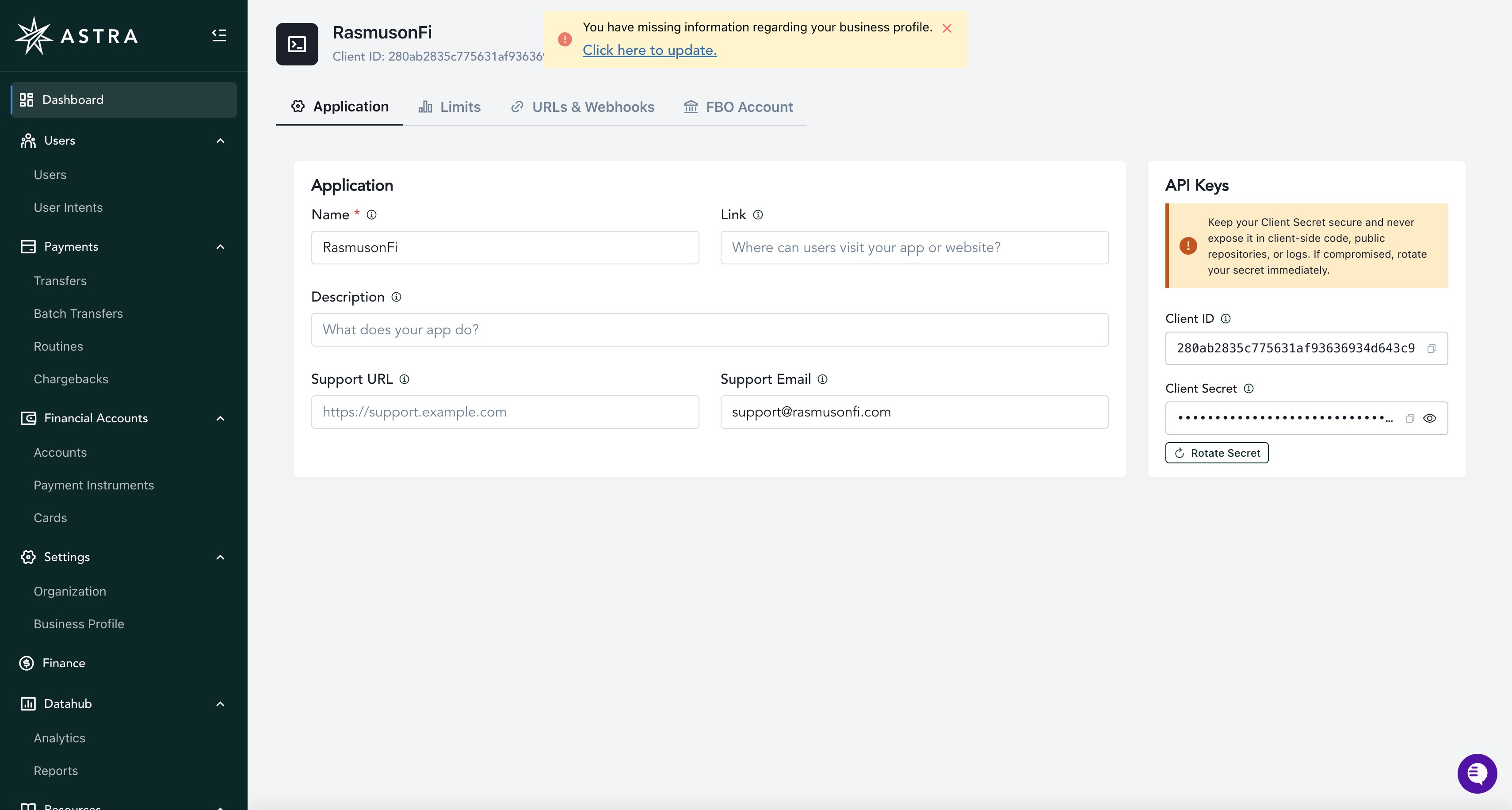
When you create a Sandbox Client, your API Keys will be generated automatically. To view your API Keys, login and navigate to the Dashboard menu. Under the Application tab, they'll appear on the right hand side under API Keys. For more information on creating your Sandbox Client, see this article: How to Create your Sandbox Client.
In Production
Once you have been granted production access, follow these steps to create your Production Client and access your Production API Keys.
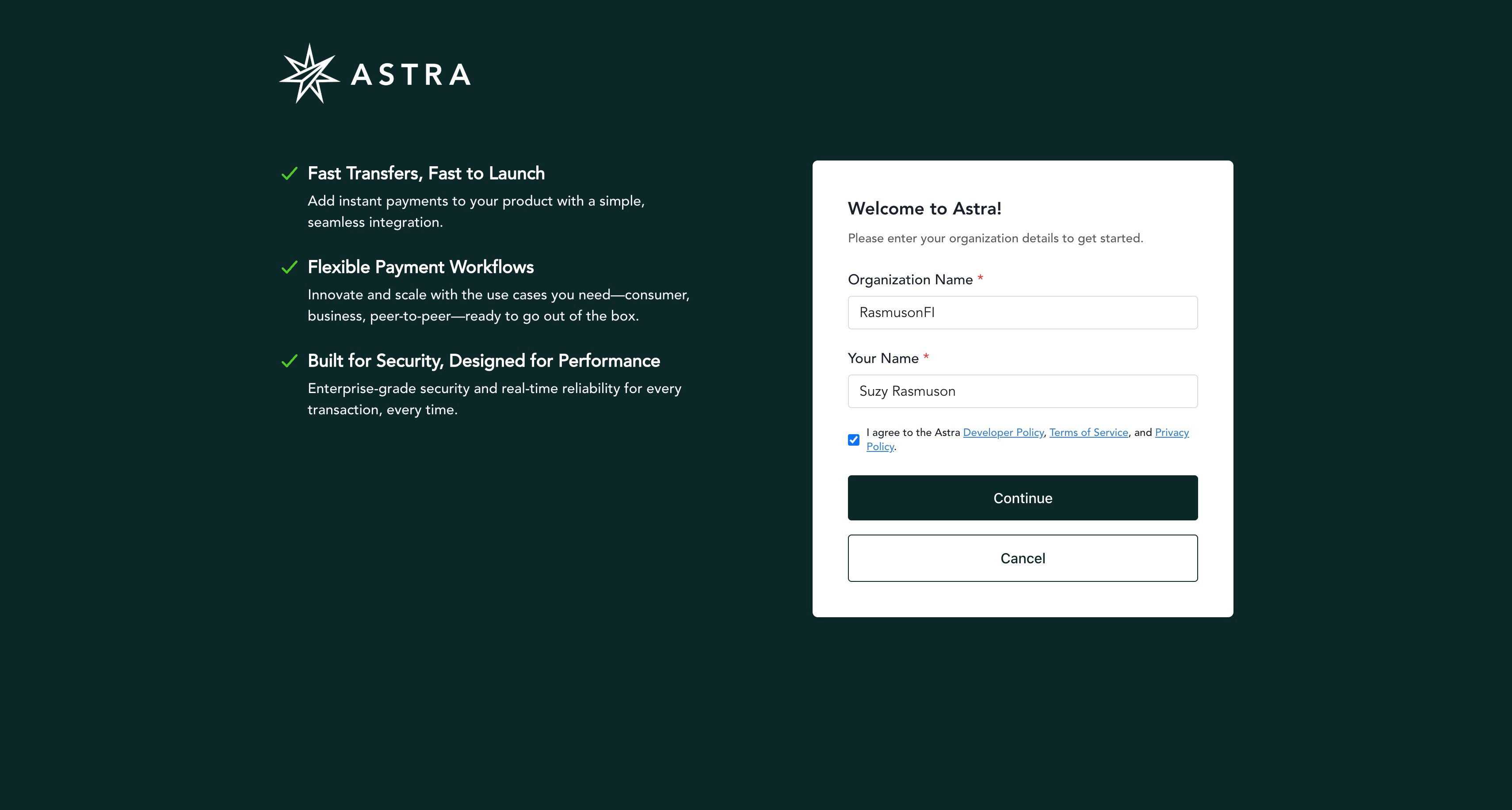
Navigate to https://dashboard.astra.finance/ to create your Production Client.
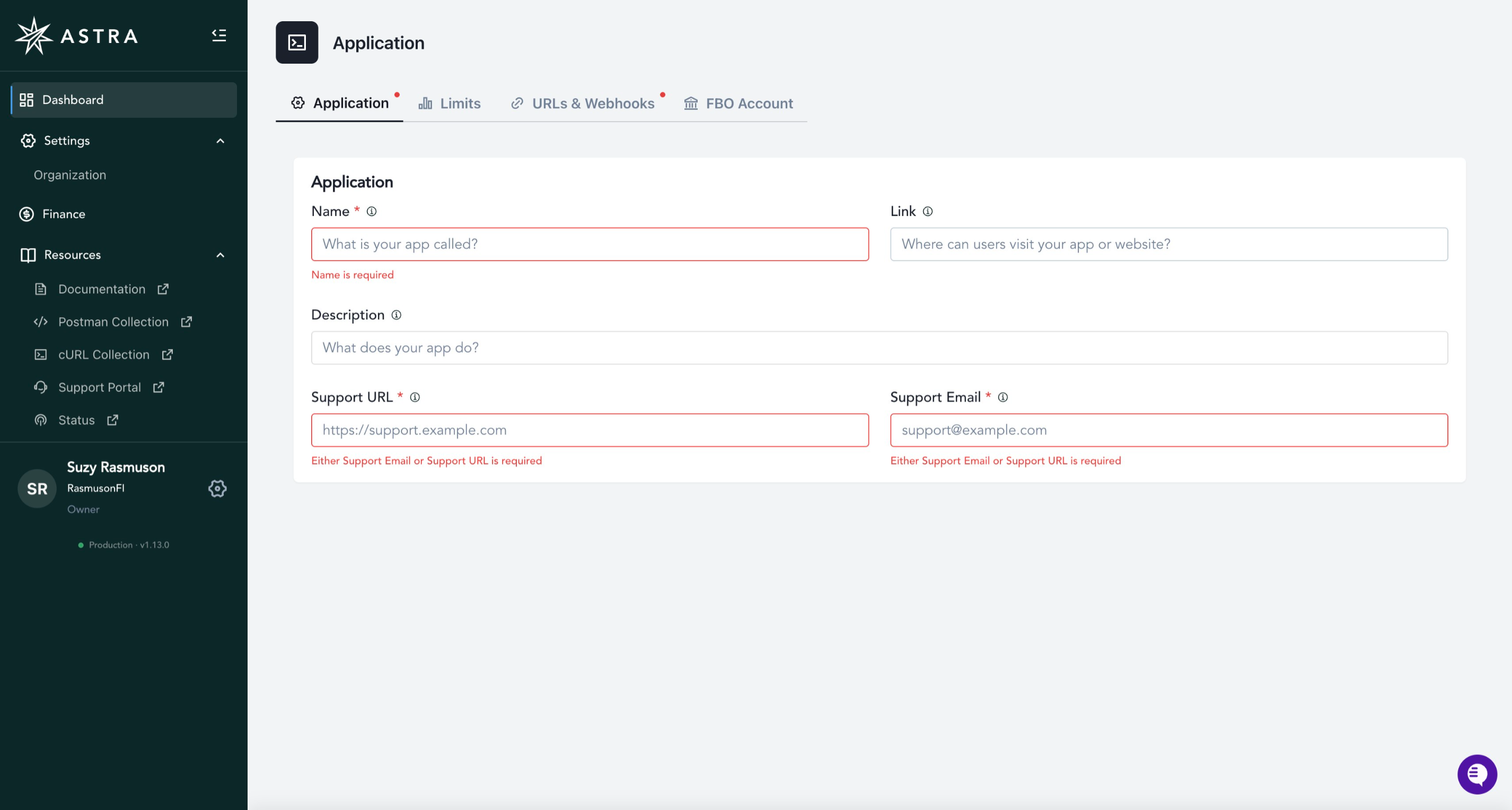
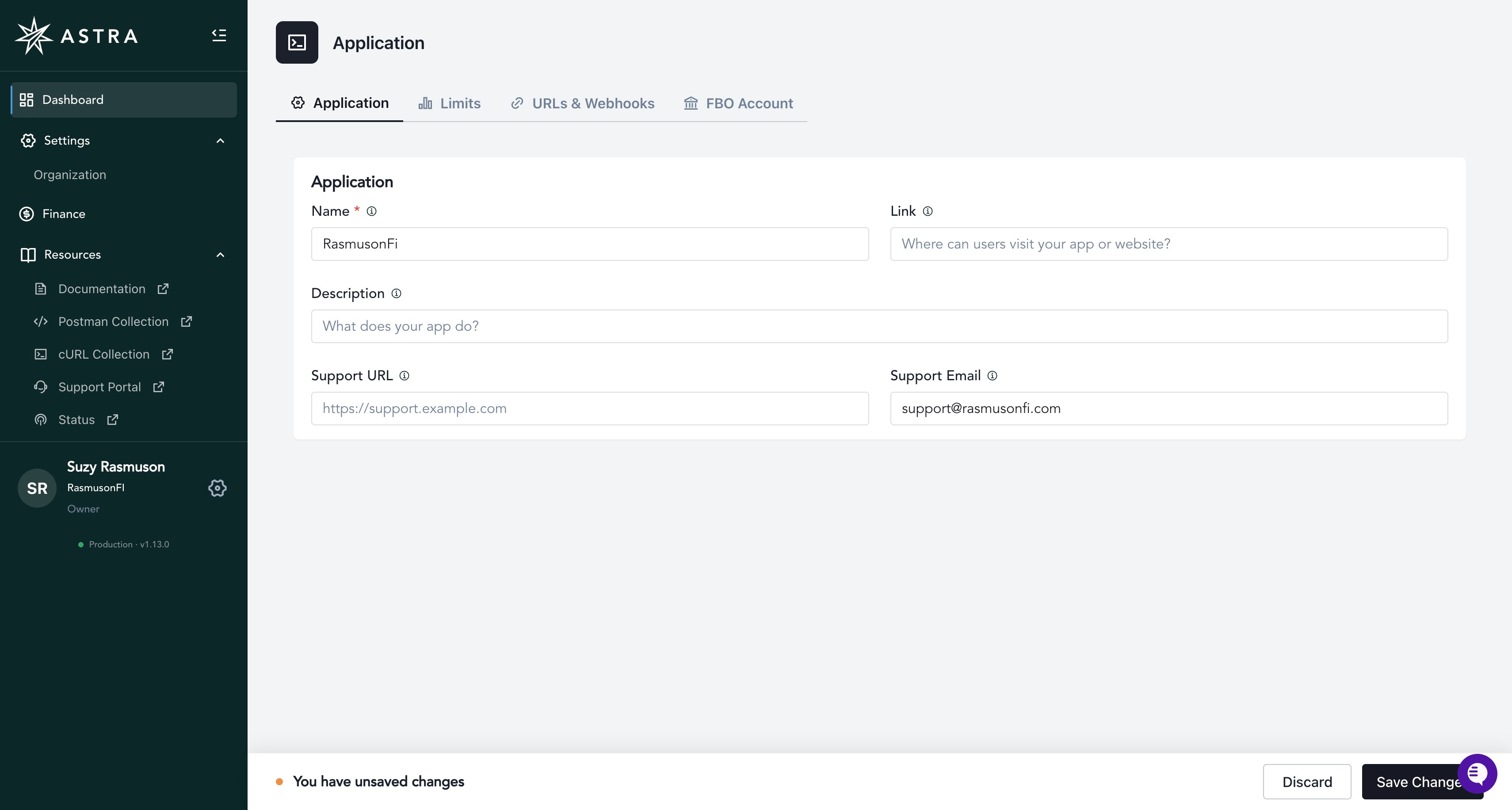
Enter the required fields on the Application tab.
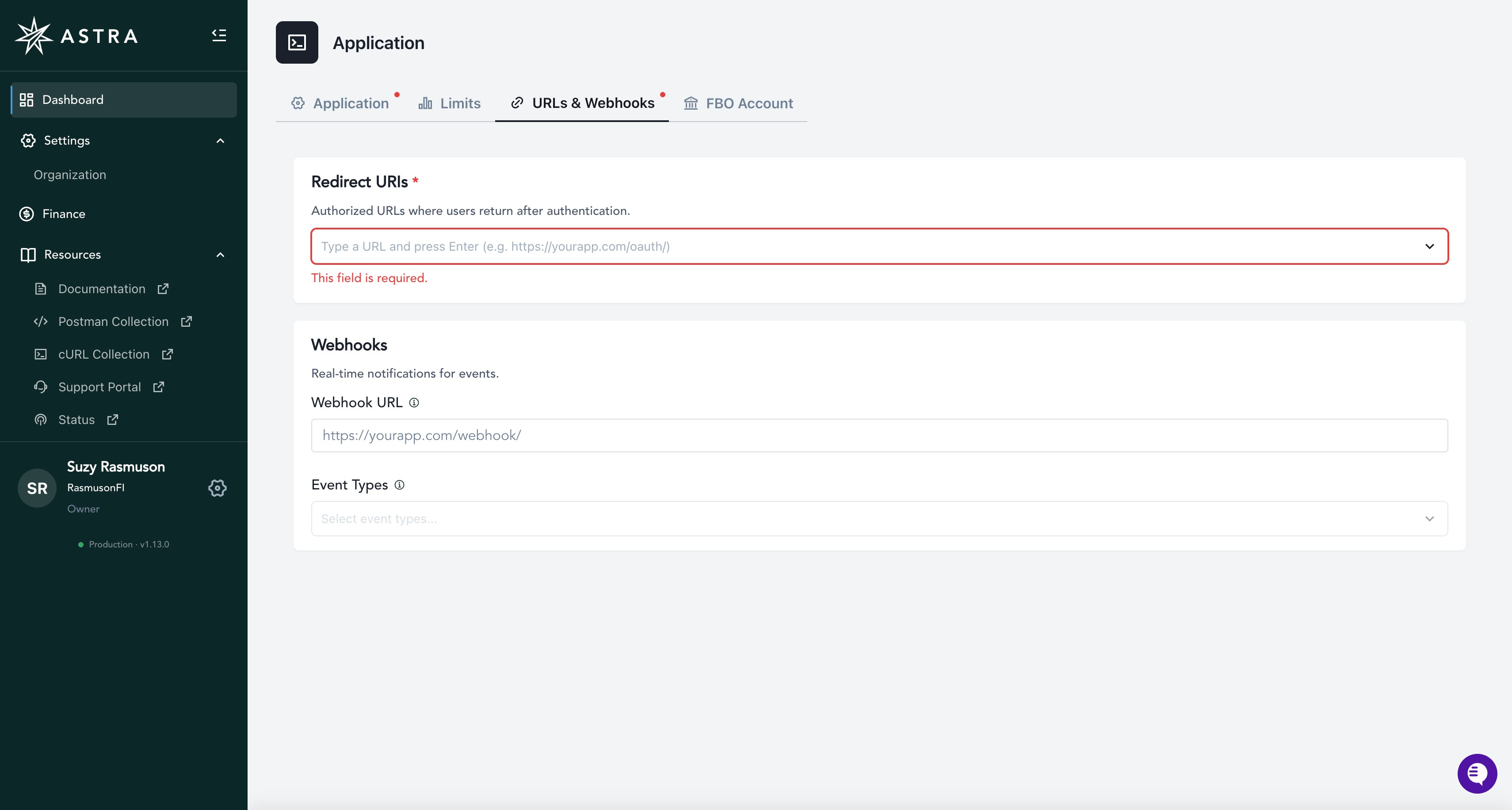
Enter the required fields on the URL & Webhooks tab.
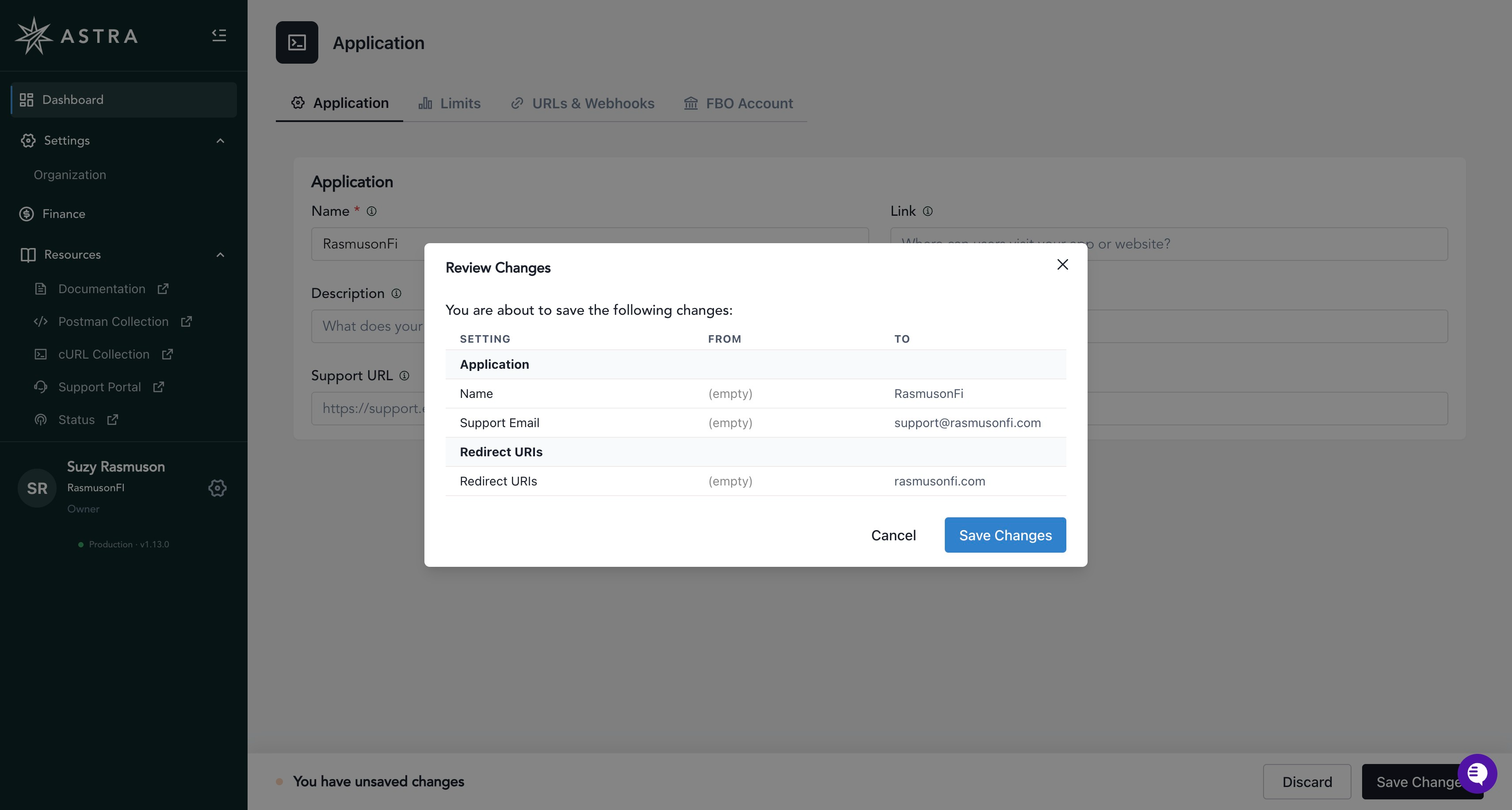
Review your information and click Save Changes.
Your Production API Keys will now appear on your Dashboard, in the Application tab on the right hand side under API Keys.